You open ChatGPT. You type "write me a marketing email." You get back something that sounds like it was written by a corporate robot who learned English from a terms-of-service agreement.
So you try again: "write me a better marketing email." Slightly less robotic. Still useless.
This is where most people give up and decide AI isn't that useful. But the problem was never the AI. The problem was the prompt. And the gap between a bad prompt and a good one is smaller than you think — it's about five extra seconds of specificity.
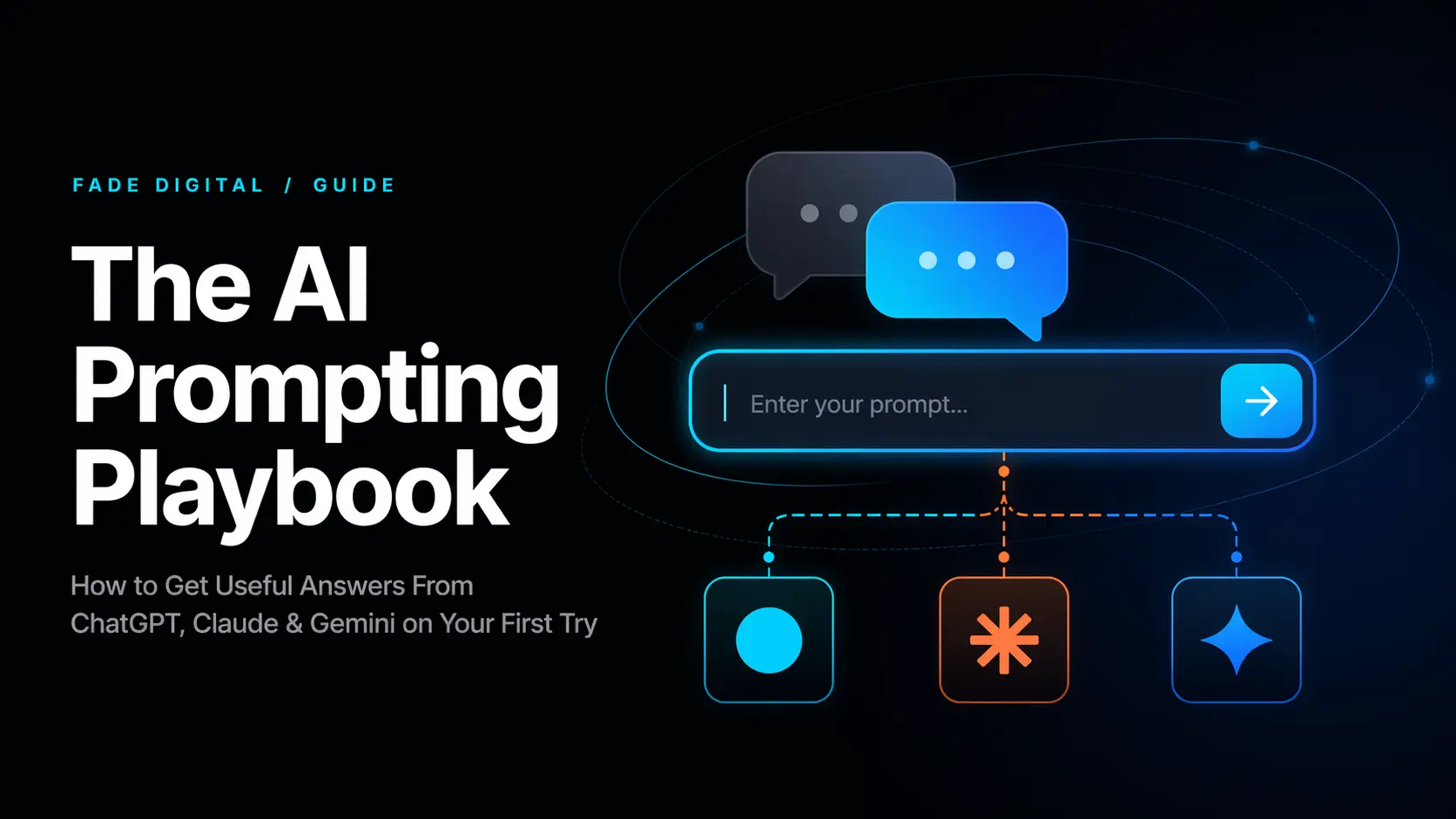
This playbook teaches you how to close that gap. No jargon, no "prompt engineering" mystique, no technical background required. Just the principles that make ChatGPT, Claude, and Gemini actually useful, with real before-and-after examples you can steal.
By the end you'll know how to get a useful answer on your first try instead of your fifth.
Why AI gives you garbage (and it's not AI's fault)
Every AI model — ChatGPT, Claude, Gemini, Perplexity — works the same way at a fundamental level: it predicts what comes next based on what you gave it. If you give it almost nothing, it fills the void with the most generic, statistically average response it can produce.
"Write me a marketing email" gives the AI:
- No audience
- No product
- No tone
- No goal
- No length
- No context about your business
So it writes for everyone, which means it writes for no one.
The fix isn't learning a special syntax or memorizing magic phrases. It's giving the AI enough context to write for you specifically. Every technique in this playbook is a variation of one idea: more context in = more useful output out.
The 5 building blocks of a good prompt
Every effective prompt, whether it's one sentence or a full paragraph, uses some combination of these five elements. You don't need all five every time — but the more you include, the better the output.
1. Role — tell the AI who to be
Starting with "You are a..." or "Act as a..." changes the AI's entire frame of reference. It shifts vocabulary, tone, depth, and assumptions.
The second prompt gets you a response that's specific to your jurisdiction, calibrated to your audience, and focused on what actually matters — not a generic paraphrase.
Roles that work well:
- "You are a senior marketing strategist at a DTC brand"
- "You are a pediatric dentist explaining a procedure to an anxious parent"
- "You are a financial advisor speaking to someone with no investing experience"
- "You are a copy editor reviewing this for a professional blog"
2. Context — tell the AI what it's working with
Context is everything the AI needs to know about your situation that it can't guess. The more relevant context you provide, the less the AI hallucinates or defaults to generic advice.
The second prompt eliminates thousands of irrelevant suggestions and gives the AI a clear target.
Context to include when relevant:
- Your industry, location, and business size
- Your target audience and what they care about
- What you've already tried
- Constraints (budget, timeline, team size)
- The specific problem you're solving
3. Task — tell the AI exactly what to do
Vague tasks get vague outputs. Specific tasks get specific outputs. This is the simplest lever and the one most people skip.
4. Format — tell the AI how to structure the output
AI defaults to walls of text. If you want something usable, tell it the format.
Useful format instructions:
- "Give me a bulleted list"
- "Respond in a table with columns for [X], [Y], [Z]"
- "Write this as a 3-paragraph email"
- "Give me a numbered step-by-step guide"
- "Keep it under 200 words"
- "Use headers and subheadings"
- "Write this as if it's a LinkedIn post"
You can also give it an example of the format you want: "Structure your response like this: [example]." AI is excellent at pattern-matching — show it the shape you need and it'll fill it.
5. Tone — tell the AI how to sound
If you don't specify tone, AI defaults to a helpful-but-bland corporate voice. Adjusting tone is a single phrase that transforms the output.
Tone modifiers that work:
- "Write in a conversational, friendly tone — like you're explaining to a smart friend over coffee"
- "Be direct and concise. No fluff."
- "Use a professional but approachable tone suitable for a law firm blog"
- "Write like a founder pitching to investors — confident, data-driven, concise"
- "Match the tone of [brand or publication]"
Putting it together: the RCTFT framework
When you're staring at a blank prompt and not sure where to start, use this checklist:
- Role — who should the AI be?
- Context — what does it need to know about my situation?
- Task — what exactly should it do?
- Format — how should the output be structured?
- Tone — how should it sound?
You won't use all five for every prompt. A quick question might only need Task + Format. A complex request might need all five. But scanning through RCTFT before you hit enter catches the missing pieces that turn a mediocre prompt into a useful one.
Example — all five elements:
That prompt will get you a response you can actually use. Compare it to "give me blog post ideas for a dentist."
The follow-up: why one prompt is never enough
The biggest misconception about AI is that you're supposed to get the perfect answer in one shot. You're not. AI conversations are iterative — the first response is a draft, and the follow-ups are where the real value emerges.
The refinement loop:
- First prompt — get the initial output using RCTFT
- Evaluate — what's good? What's wrong? What's missing?
- Follow up — ask for specific changes
Follow-up prompts that work:
- "This is good but too long. Cut it to half the length without losing the key points."
- "Make the tone more conversational — it reads too formal."
- "The third point is wrong. [Correct information]. Rewrite that section."
- "Now give me 5 variations of just the headline."
- "Good. Now write this same thing but for [different audience]."
- "Add specific numbers and examples — the current version is too vague."
The key insight: you don't need to re-explain the full context on every follow-up. AI remembers the conversation. Just tell it what to change.
10 everyday scenarios with real prompts
Scenario 1: Writing a professional email
Scenario 2: Preparing for a meeting
Scenario 3: Summarizing a long document
Scenario 4: Getting a second opinion on your writing
Scenario 5: Learning something new
Scenario 6: Creating social media content
Scenario 7: Brainstorming business ideas
Scenario 8: Drafting a proposal
Scenario 9: Analyzing a decision
Scenario 10: Repurposing content
The cheat sheet
Bookmark this. Use it before every AI conversation.
Before you prompt, check:
| Element | Ask yourself | Example addition |
|---|---|---|
| Role | Who should the AI be? | "You are a commercial real estate lawyer..." |
| Context | What does it need to know? | "I run a 12-person SaaS startup at $1.2M ARR..." |
| Task | What exactly should it do? | "Compare these two options and recommend one..." |
| Format | How should the output look? | "Numbered list with one sentence each..." |
| Tone | How should it sound? | "Direct and concise. No corporate fluff." |
When the first answer isn't right:
- "Too long — cut by half"
- "Too generic — add specific examples"
- "Wrong tone — make it more [conversational/formal/direct]"
- "Good, but also address [missing angle]"
- "Give me 3 more variations"
Power moves:
- Paste in examples of what you want and say "match this style"
- Ask the AI to critique its own output: "What's weak about this response?"
- Chain prompts: "Now take #3 and expand it into a full [document/email/plan]"
- Use "Before you respond, ask me any questions you need answered" to let the AI fill its own context gaps
ChatGPT vs Claude vs Gemini: which to use when
All three respond to the same prompting principles. Here's where each shines:
| Capability | ChatGPT | Claude | Gemini |
|---|---|---|---|
| Creative writing & brainstorming | Best | Strong | Strong |
| Long document analysis | Strong | Best | Strong |
| Following complex instructions | Strong | Best | Good |
| Current web information | Strong | Good | Best |
| Image generation | Best | No | Strong |
| Image/PDF understanding | Strong | Strong | Best |
| Code generation | Strong | Best | Strong |
| Nuanced / careful reasoning | Strong | Best | Good |
| Google Workspace integration | No | No | Best |
| Concise by default | Verbose | Balanced | Balanced |
Best in class Strong Good / Varies Not available
The prompting principles in this playbook work on all three. The RCTFT framework, the follow-up loop, and the example prompts will improve your results regardless of which platform you use.
Rate your prompt
Before you send your next prompt, score it against the RCTFT framework. Check each element you've included:
Told AI who to be
Gave situation details
Specific instruction
Defined output shape
Set the voice/style
The one thing that matters more than any technique
You will forget the framework names. You will lose the cheat sheet. But if you remember one thing from this playbook, let it be this:
The quality of AI's output is directly proportional to the specificity of your input.
Every time you're about to type a prompt, pause for five seconds and ask: "What do I know about this situation that the AI doesn't?" Then tell it. That's the entire skill.
The people who say AI is useless are typing "write me an email" and getting garbage. The people who say AI is transformative are spending five extra seconds on context and getting output they'd pay a consultant for.
Those five seconds are the only difference.
Frequently asked questions
What is prompt engineering? Prompt engineering is the practice of crafting inputs to large language models that produce useful, specific, and accurate outputs. It's less about memorizing magic phrases and more about providing sufficient context — role, situation, task, format, and tone — so the AI can generate a response tailored to your needs rather than a generic default.
Which AI is best for beginners — ChatGPT, Claude, or Gemini? All three respond to the same prompting principles. ChatGPT is the most widely used and best for conversational tasks and brainstorming. Claude excels at careful analysis and following complex instructions. Gemini is strongest when you need current web information or Google Workspace integration. Start with whichever you already have access to — the RCTFT framework works on all of them.
How long should a prompt be? There's no ideal length — there's ideal specificity. A 20-word prompt with clear context beats a 200-word prompt full of vague instructions. Use the RCTFT checklist: if you've covered Role, Context, Task, Format, and Tone in two sentences, that's enough. If the task is complex, a longer prompt with more context will get better results.
Can AI replace professional advice? AI can draft, brainstorm, analyze, and accelerate work — but it's not a substitute for professional judgment in legal, medical, financial, or compliance contexts. Use it as a first draft generator and research accelerator, then apply human expertise for final decisions. AI hallucinates — it can produce confident-sounding statements that are factually wrong.
What's the difference between prompting and GEO? Prompting is how you talk to AI as a user. Generative Engine Optimization is how you structure your business's data so AI recommends you to other users. This playbook covers the first skill. Our GEO playbooks cover the second.
This playbook is part of the Fade Digital Playbooks collection. If you're a business owner wondering how AI search platforms like ChatGPT and Gemini decide which businesses to recommend, start with our Ultimate Guide to GEO in 2026 — it's the business-specific application of everything you just learned about prompting.